Flavis
Developers

An API for everything in the dashboard.

Start a call with one request and get the transcript, analysis and cost back on your server. Or let your AI assistant run Flavis for you.

curl -X POST https://api.flavisai.com/api/v1/calls \  -H "Authorization: Bearer $FLAVIS_API_KEY" \  -H "Content-Type: application/json" \  -d '{    "assistantId": "<agent-id>",    "customer": { "number": "+14155550123" },    "variables": { "patient": "Jordan" }  }' # → 201  { "id": "…", "status": "queued" }
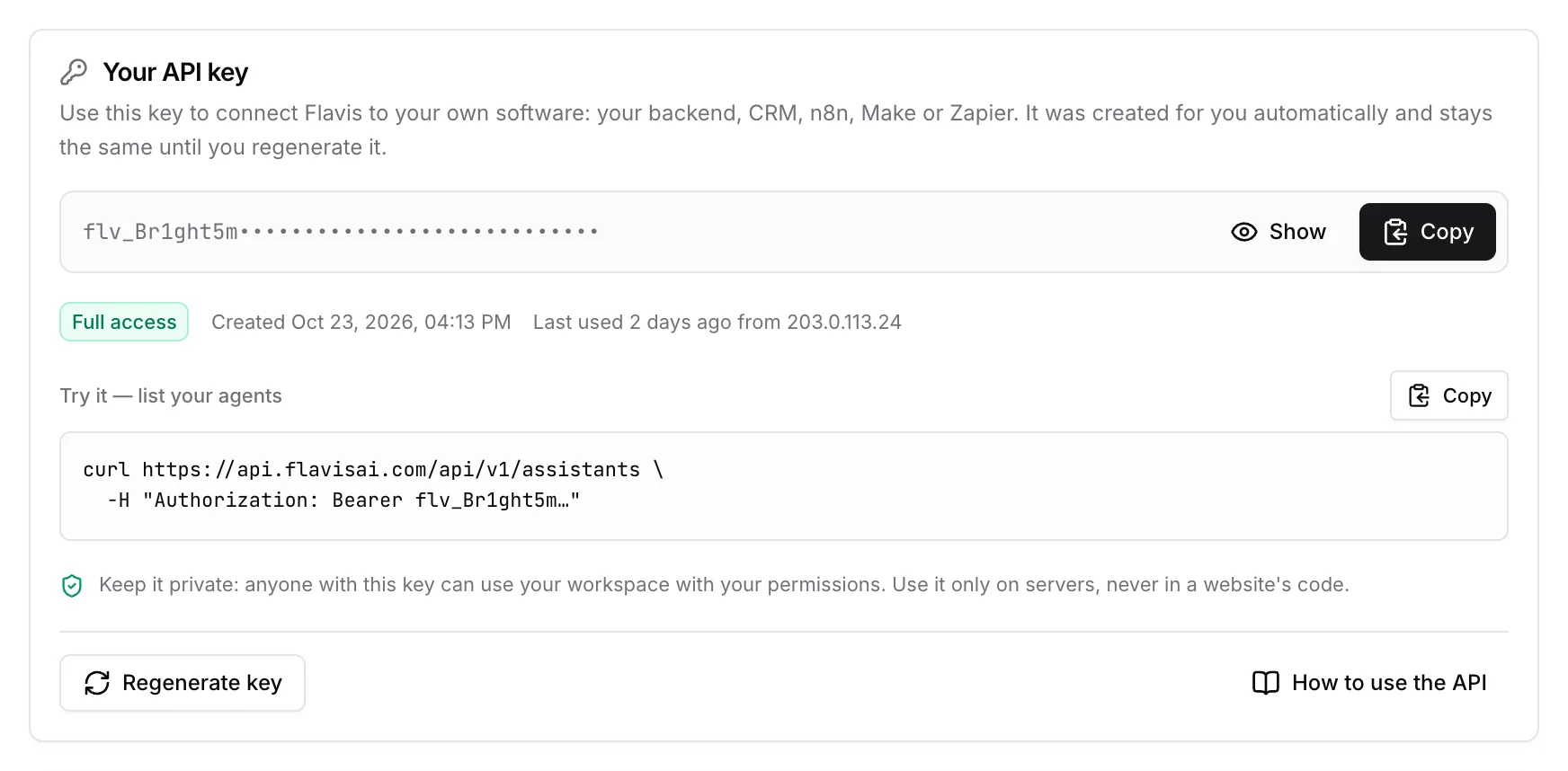
01 · API keys

A key on sign-up, scopes when you need them

Every member gets a personal API key, ready to copy. Add narrower keys for single integrations, and public keys for the browser widget.

  • Scopes per key
  • IP allowlists
  • Keys stop working when a member leaves
Read the guide
Your API key card with Copy, Regenerate key and a curl example
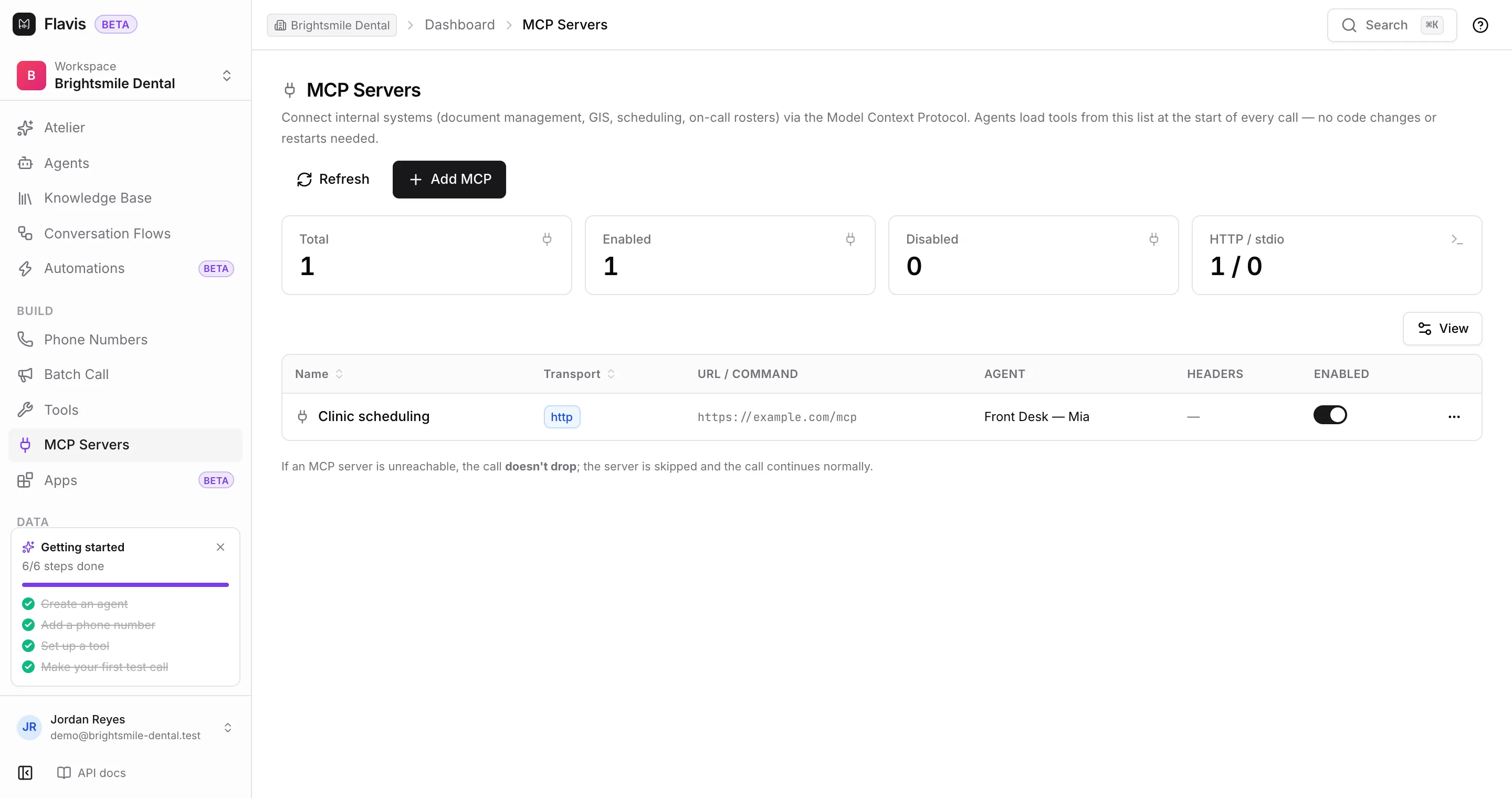
02 · MCP servers

Give your agents your own tools

Connect an MCP server and its tools appear to the agent during calls: scheduling, CRMs, internal systems. And with the Flavis MCP server (beta), your AI assistant can manage Flavis itself.

  • Per-agent tool access
  • Headers for your server's own auth
  • Flavis MCP for Claude Code, Cursor, Codex
Read the guide
The MCP Servers page with a Clinic scheduling server assigned to Front Desk — Mia

Everything you need to integrate

REST API

Agents, calls, numbers, batch calls, contacts and more.

Signed webhooks

End-of-call reports with retries and replay.

Web widget

A call button on your site with one script tag.

OpenAPI & llms.txt

Generate clients, or let an AI read the docs.

n8n, Zapier, Make

Connect workflows without writing code.

Idempotent calls

Retry safely with an Idempotency-Key.

Developers

Build your first agent today.

Sign up in a minute, describe it to Atelier and test it in your browser. Prefer to build it together? Talk to us.

30 free Atelier messagesBrowser test callsinfo@flavisai.com
Developers — An API for everything in the dashboard | Flavis | Flavis AI